Guides / How a bot tests Tray Rush
How a bot plays Tray Rush before every release
I am one person making three games, so I can't replay every level on every phone after each change. A set of browser scripts does it for me. Here is what they check in Tray Rush, how they do it, and what they still can't tell me.
A side door only test builds have
The test builds of Tray Rush include a small control panel for scripts. Through it a script can start a level, move time forward in steps of a tenth of a second, walk the character to a ready dish or to the customer it belongs to, press the action button, make every open order run out at once, and read back a summary of the shift: coins, open orders, what is being carried, and which screen is showing.
That panel never reaches you. It exists only in development and test builds, and I search the finished release script to make sure no trace of it is left.
Why the bot fast-forwards
The tests run in Chrome without a window and without a graphics card, so Chrome draws every frame in software. That is fine for screenshots, but far too slow to play a level in real time. So the bot doesn't wait for the clock: it moves the game forward a tenth of a second at a time, as fast as the computer can calculate it, and only draws when it needs a picture. A shift that would take minutes by hand takes seconds.
One shift, start to finish
The main check plays a whole shift in each venue and tests the rules at every step:
- Start level 1 and wait, for up to 30 seconds of game time, until a customer orders.
- Walk to the dish when it is ready, pick it up, and check that exactly one dish is being carried.
- Walk to the customer, serve, and check that one order is counted and the coins went up.
- Wait for another order, make it run out, and check that a miss is counted and the coins went down.
- Keep playing until the level ends: pick up whenever a hand is free, serve whenever a carried dish has somewhere to go. Then check that the level-up screen opens and that Next level starts the next one.
- Let every order run out until the coins reach zero, and check that the fired screen opens.
The coins at each step are saved in the report, so if a change makes a serve pay more or a miss cost less, it shows up as a different number before anyone plays it.
Eight screens
That shift is played on eight screen sizes: phones at 360 by 740, 390 by 844 and 412 by 915 pixels, a phone turned sideways at 844 by 390, a tablet both ways at 768 by 1024 and 1024 by 768, a laptop at 1366 by 768 and a desktop at 1920 by 1080. On each one the run fails if the page logs a single error, or if any visible text is drawn smaller than 12 pixels, which is too small to read on a phone. Before taking screenshots the bot waits for menus and panels to finish their opening animation, so the pictures show the finished screen and not a half-faded one.
Real fingers
The control panel skips the controls, so a second script plays without it. On two phone sizes it uses real touch events for everything: tapping through the menus, answering the dare both ways, dragging the joystick, tapping the action button, the bin and pause, and finally turning the phone sideways in the middle of a shift to check that the controls stay on screen and the game carries on.
The awkward cases
Some problems only happen on real devices now and then, so they have checks of their own:
- Losing the graphics. The script takes the graphics away from the page in the middle of a shift, the way a phone does when memory runs short, then gives them back and checks that the diner is fully lit again.
- Hiding the tab. Switching to another tab or app must pause the shift.
- The busiest scoreboard. The top bar has to fit at its widest, with a combo running and a three-digit coin total, on narrow phones and wide screens alike.
- Ads. Tray Rush has ad code for a possible future version, switched off. A check confirms that the build you play shows no ads and asks no ad network for anything.
- Speed. A performance script counts draw calls, triangles, lights and shaders, times the game's code at four times slower than normal, and checks that nothing keeps growing after 30 orders or four venue switches.
The rules as unit tests
The rules themselves are tested without a browser at all: 145 small tests in 12 files cover tips, combos, VIP orders, timers, level targets, stars, penalties and more. A change to one number shows up as a failing test before it can change how the game plays.
When the bot is wrong
Tests can be wrong too. In October one run failed the full screen check: the script read the full screen label before the browser had finished switching to full screen. The game was fine; the test was too impatient. It now waits for the browser's full screen event, and it passed twice in a row after the fix. When a test fails, the first question is always whether the game is broken or the test is.
The site gets the same treatment
The pages around the games have their own script. It opens every page of this site on desktop and phone, in light and dark mode and with animations on and off, and fails on console errors, broken links, pages that scroll sideways and buttons too small to tap. Then it opens Tray Rush from the Play link on a game card and waits for it to start in its frame. The bug report form has a check too, which answers the form itself so that no email is sent while testing.
What the bot can't tell me
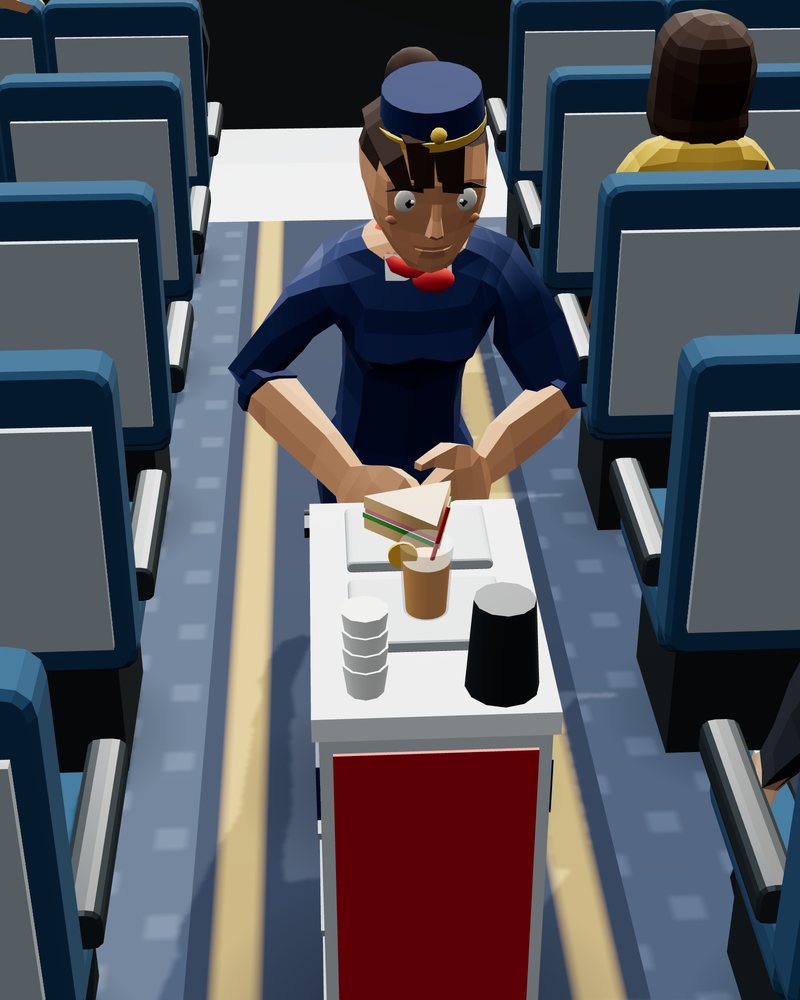
The bot knows whether the rules work. It doesn't know whether a level is fun, whether the airplane feels cramped or whether a phone runs warm after ten minutes. For that I keep a ten-step manual test for a real Android phone, an iPhone and a laptop, and I read the bug reports players send.
Roadster Sky Rush has a bot of its own that plays hundreds of runs, and How Roadster Sky Rush was made describes it.
Keep reading
How I keep a 3D browser game smooth on a phone covers the performance side, and the Updates page lists every release that went through these checks.
I write these guides with help from Claude, an AI assistant, and check every detail against the game's code and test scripts before a guide goes up.